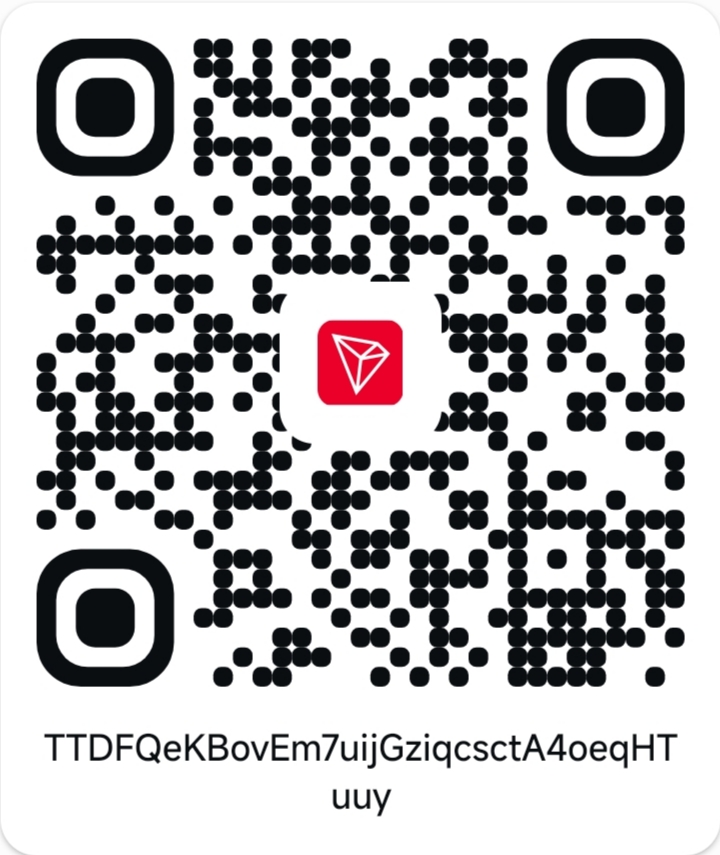
NETWORK OPTION 1
TRON  USDT
TRC20 · Tron network
Send USDT on TRC20 only. Other tokens or networks may be lost.
TTDFQeKBovEm7uijGziqcsctA4oeqHTuuy
INVESTOR PAYMENT
You can continue to payment immediately after submitting your investment request. Choose your USDT network, send the amount shown, and submit your transaction hash. Admin verification happens after you submit the transaction details.
Confirm your submitted plan and amount.
Use one address and the matching network.
After sending USDT, paste the transaction hash from your wallet.
NETWORK OPTION 1
USDTTRC20 · Tron network
Send USDT on TRC20 only. Other tokens or networks may be lost.
TTDFQeKBovEm7uijGziqcsctA4oeqHTuuy
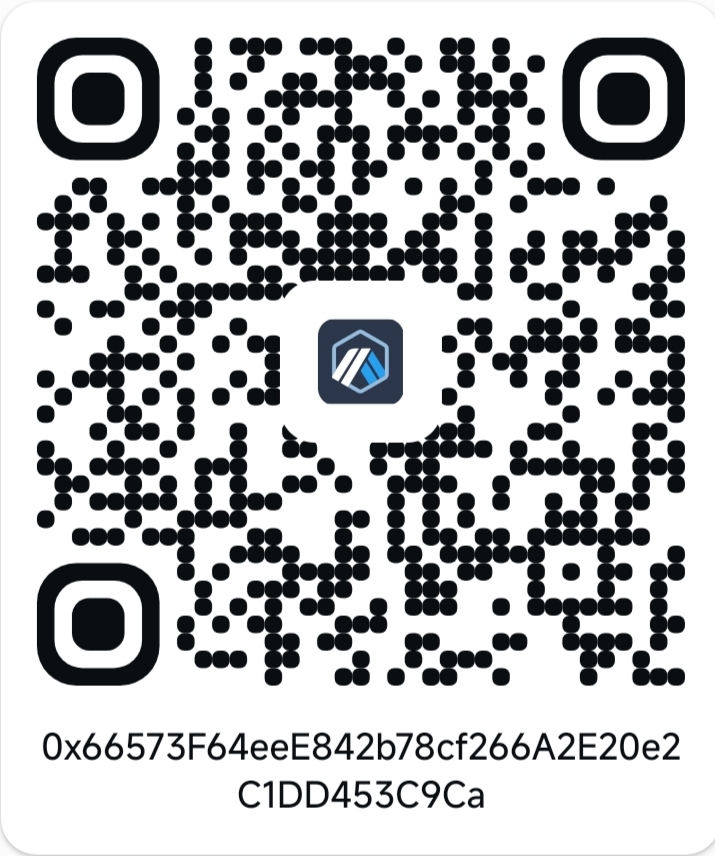
NETWORK OPTION 2
USDT0Arbitrum One network
Use only the supported USDT0 token on Arbitrum One. Check your wallet before sending.
0x66573F64eeE842b78cf266A2E20e2C1DD453C9Ca
STEP 01 + 03
Your payment options are available now; you do not need to wait for an initial investment review. After you send USDT, choose the network you used and enter the transaction hash. Do not submit a hash until you have made the transfer.
A submitted transaction is not confirmed until an administrator verifies receipt.
Loading your payment submissions…